Image Fusion
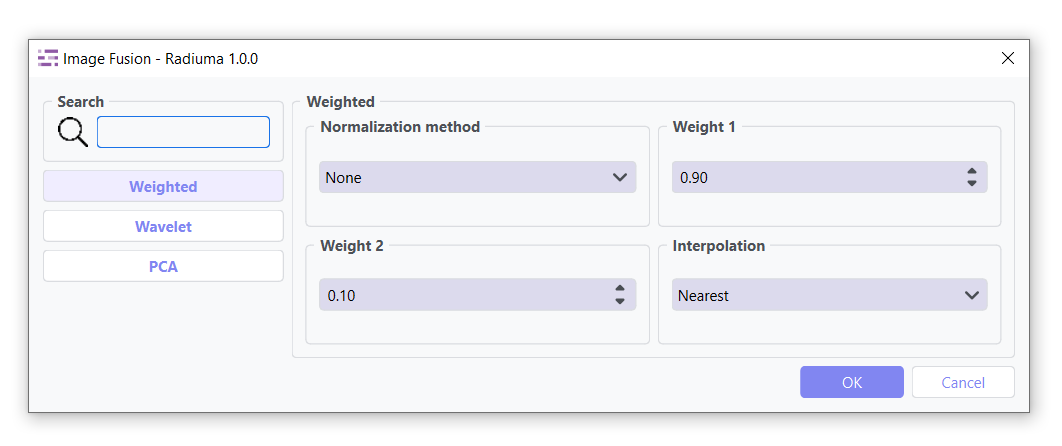
The Image Fusion module provides a sophisticated yet intuitive interface within Radiuma for combining complementary information from multiple imaging modalities into unified, diagnostically enriched representations. This powerful tool enables clinicians and researchers to seamlessly integrate anatomical, functional, and metabolic data through multiple fusion algorithms, addressing key clinical and research challenges by creating comprehensive images that leverage the unique strengths of each input modality. Through a structured workflow with configurable normalization and fusion parameters, users can enhance diagnosis by fusing anatomical (CT/MRI) with functional (PET) data for precise lesion analysis, achieve complete visualization of structural, metabolic and functional information in unified images, improve treatment planning through better target delineation for radiotherapy and surgery, and overcome individual modality limitations by integrating complementary data sources—all while ensuring proper intensity normalization, algorithm selection, and parameter optimization for improved analytical outcomes.
important Note:
Each fusion method contains a Normalization tab that must be configured before processing. Proper normalization ensures correct fusion results by matching intensity ranges between images.
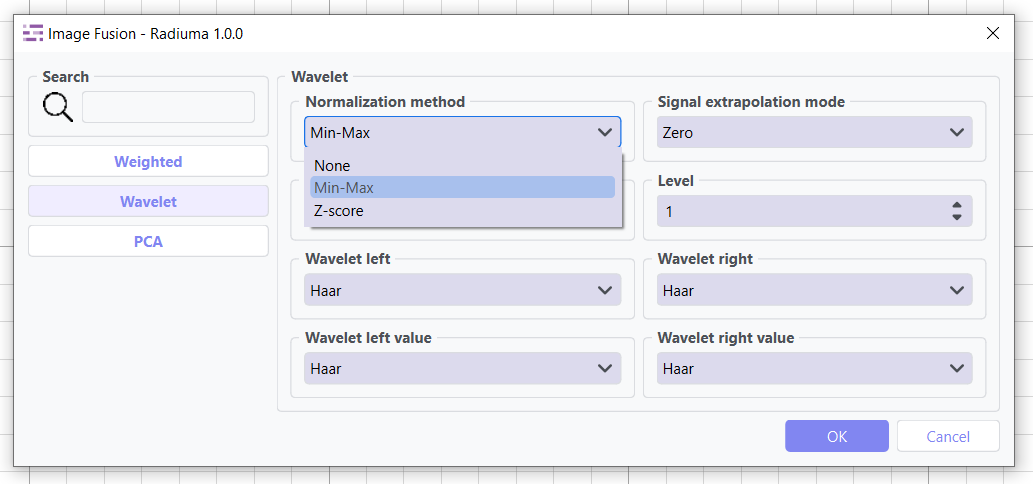
Before applying any fusion method, normalization is required to ensure proper scaling and comparable intensity ranges between input images.
Key Parameters
Normalization Method:
MinMax: Scales data to a specified range (default: [0, 1])
ZScore: Standardizes data to have zero mean and unit variance
Weighted Fusion
Combines input images using a linear weighted sum. Ideal for blending anatomical and functional images with controlled emphasis.
Key Parameters
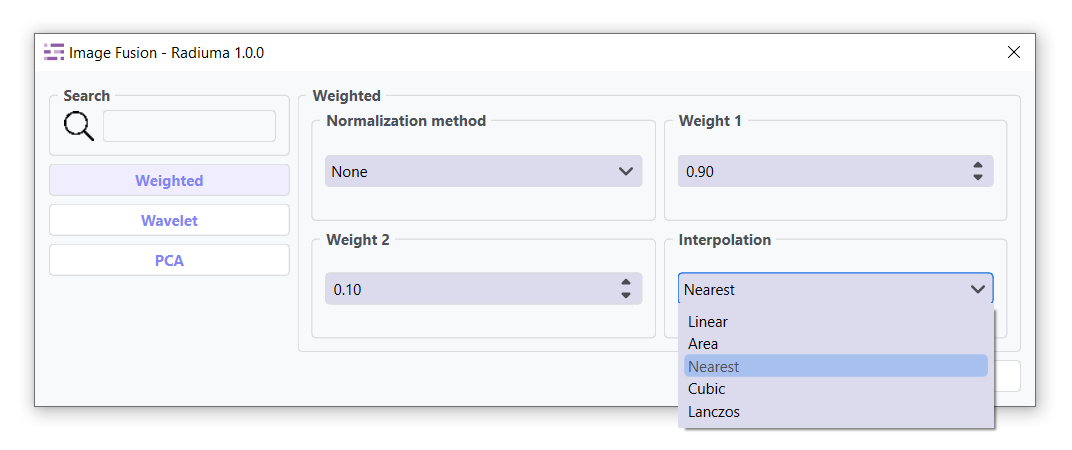
Weight 1: Weight for the first input image (range: 0–1)
Weight 2: Weight for the second input image (range: 0–1)
Interpolation: Method for interpolating between images (Linear, Area ,`Nearest` , Cubic, Lanzos.)(default: Nearest)
Wavelet Fusion
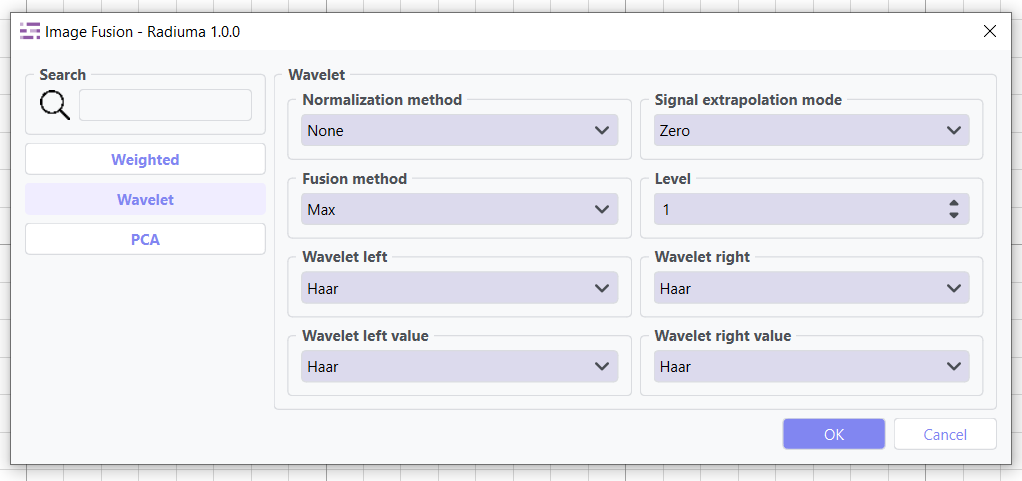
Uses wavelet transform to perform multi-resolution decomposition and fusion of images, preserving fine details.
Key Parameters
Wavelet: Wavelet family to use (e.g., Haar, Db,`Sym`, Coif, Bior, Rbio, Dmey.)(default: Haar)
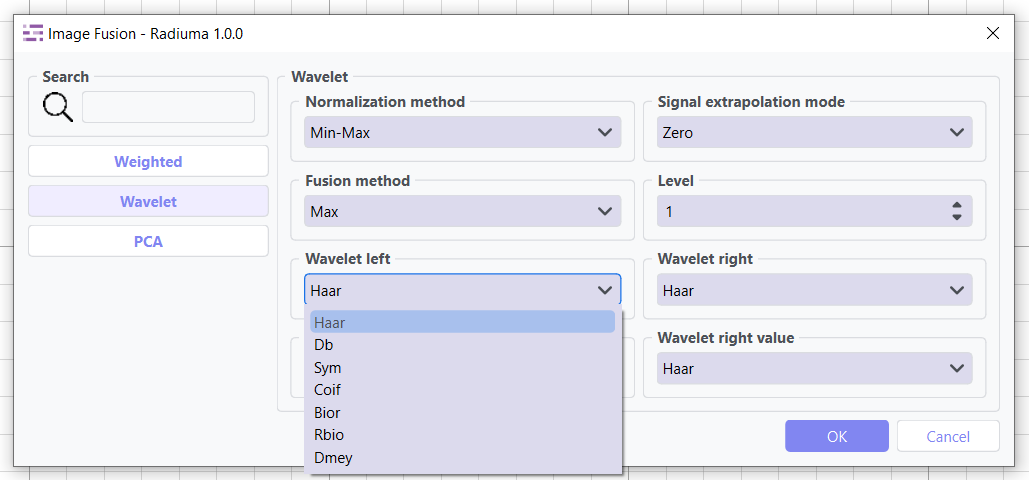
Fusion Method: Algorithm for combining wavelet coefficients (Max, Min, Mean) (default: Max).
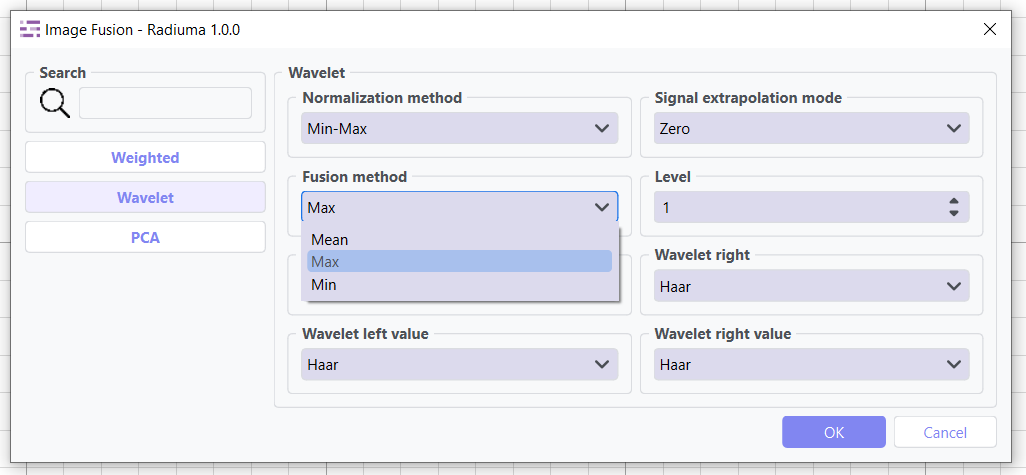
Mode: Signal extrapolation mode (e.g., Zero,`Constant`,`symmetric`,`Reflect`,`Periodic`, Smooth, Antisymmetric,`Antireflect`,`Periodization`.) (default:Zero)
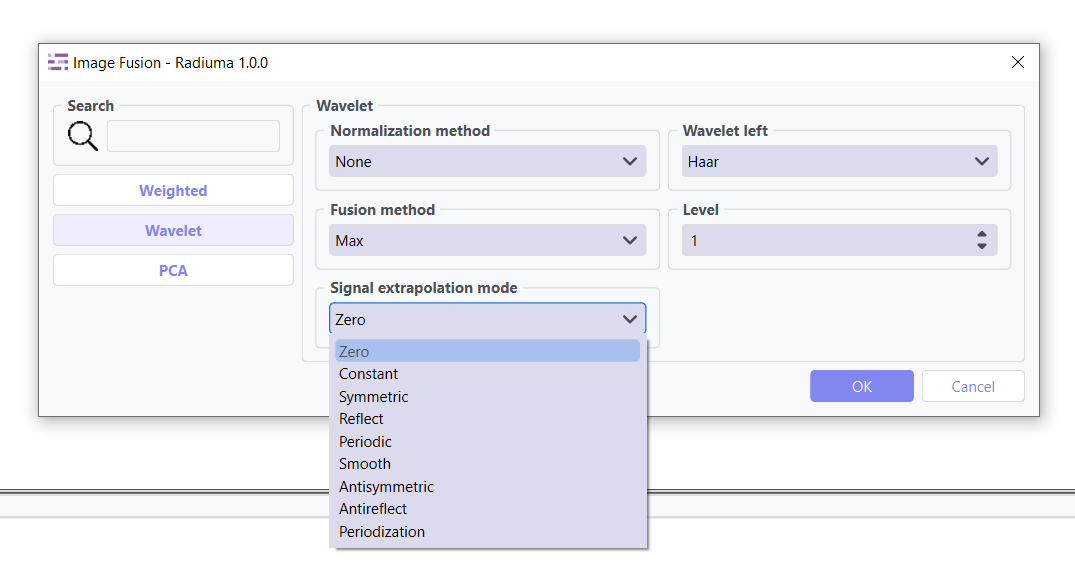
Level: Number of decomposition levels
PCA Fusion
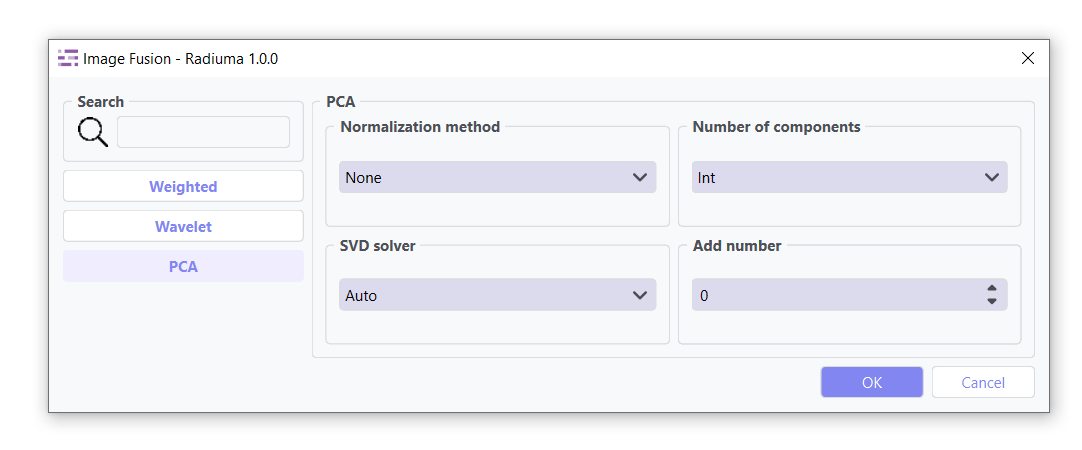
Applies Principal Component Analysis to extract dominant patterns from multiple images and reconstruct a fused output.
Key Parameters
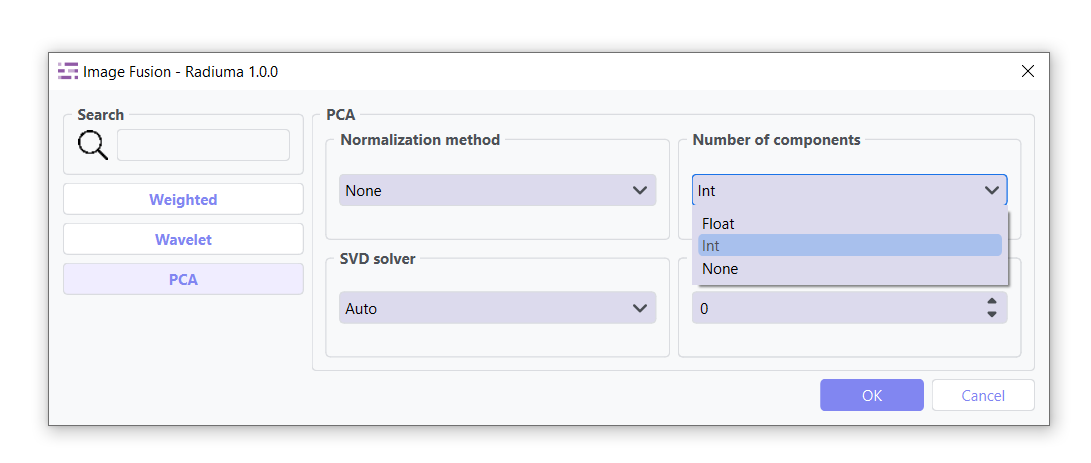
Number of Components: Number of components used for image reconstruction. Options: Int, Float, None (default: Int)
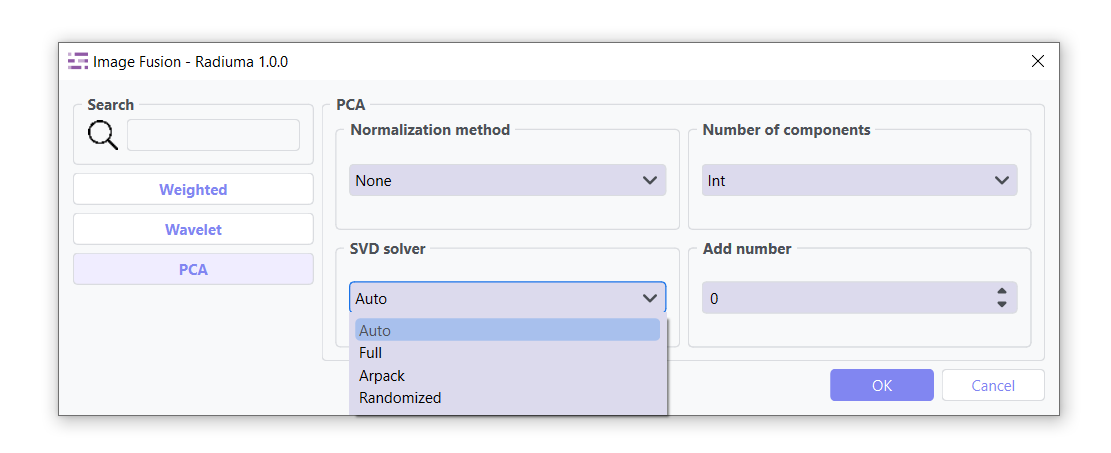
SVD Solver: Algorithm used for Singular Value Decomposition. Options: Auto, Full, Arpack, Randomize .(default: Auto)
Components: Number of principal components retained
Workflow Integration
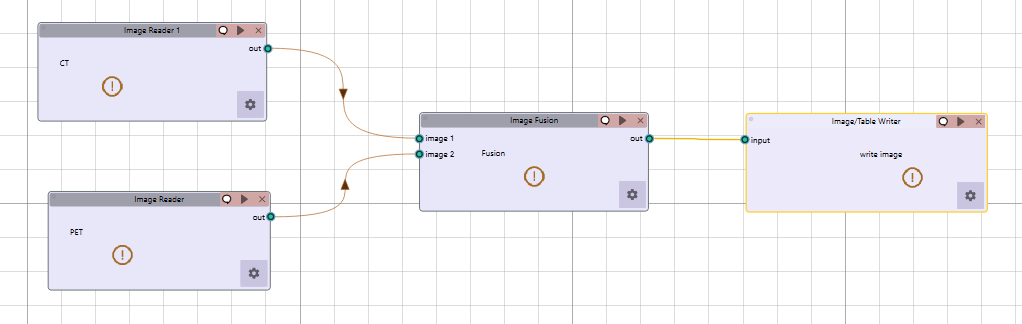
Takes two input images
Combines information according to selected method
Outputs a single fused image